
Short answer
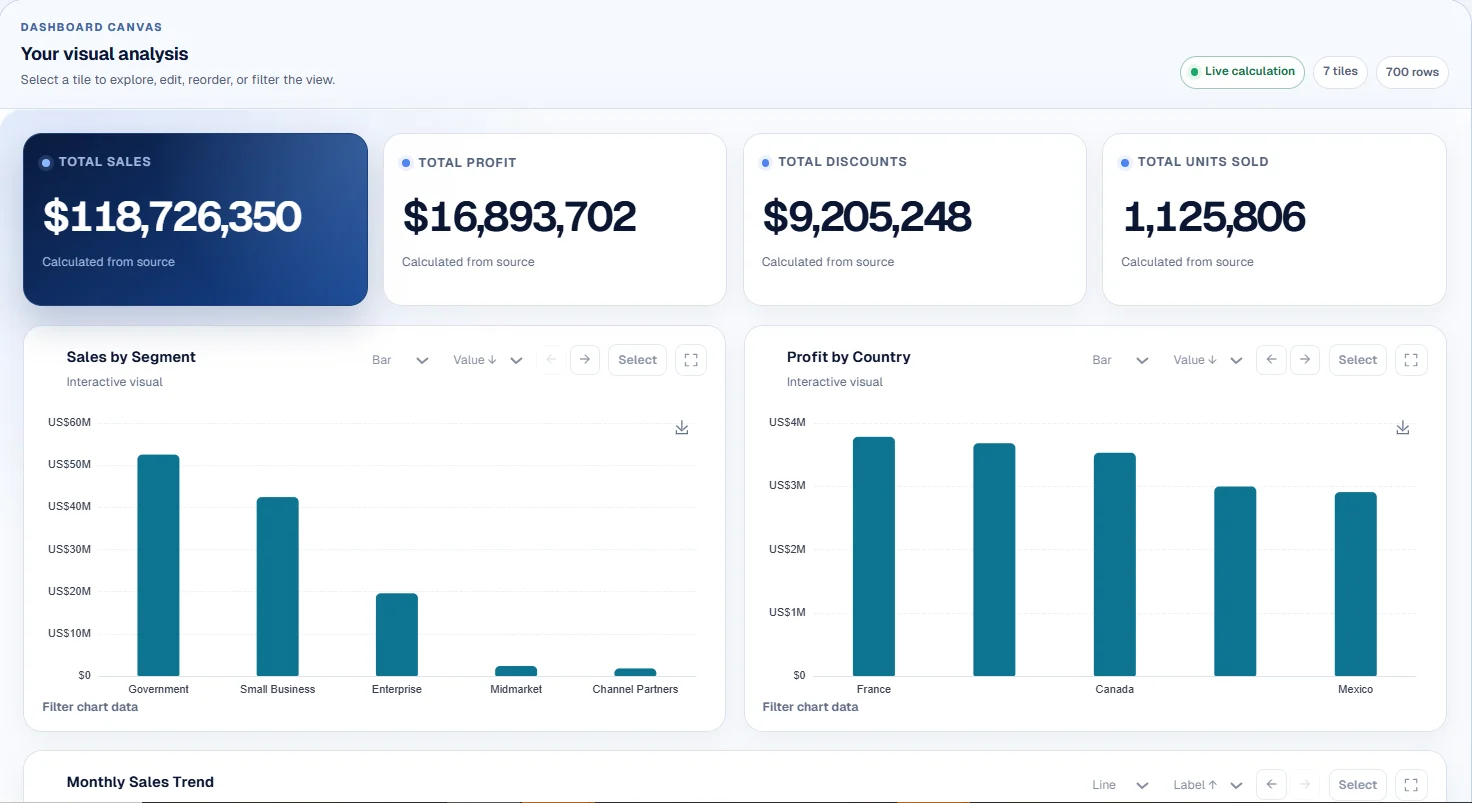
There is no single best AI workflow tool for every team. App automation platforms are best for connected triggers and actions. Knowledge workspaces are best for storing and organizing information. AI assistants are best for one-off interactive help. CTRON Loop fits the category of reusable task execution: files and instructions become repeatable AI workflows that produce reports, dashboards, analysis and document reviews.
Tool categories compared
App automation platforms
Zapier-style trigger and action workflows
Best for: Moving data between apps, routing records and automating event-based business processes.
Watch out for: Less focused on turning selected files into repeatable reports, dashboards or reviews.
Knowledge management workspaces
Notion-style docs, pages, databases and knowledge hubs
Best for: Organizing team knowledge, projects, notes and structured internal information.
Watch out for: May need extra setup when the goal is repeatable file-to-output execution.
AI assistants
General chat and writing tools
Best for: One-off questions, drafting, brainstorming and interactive exploration.
Watch out for: Repeated work can become manual if users keep re-explaining files, format and context.
Document workflow tools
Review, summarization and document-processing systems
Best for: Handling specific document types, review flows or extraction processes.
Watch out for: May be narrow if the same user also needs dashboards, data analysis and reusable AI tasks.
Data analysis and BI tools
Spreadsheet, dashboard and analytics platforms
Best for: Deep data modelling, reporting, dashboards and structured analytics.
Watch out for: May not handle document-heavy AI workflows or reusable prompts from mixed file sources.
Reusable task execution tools
CTRON Loop-style file, instruction and Loop workflows
Best for: Turning files into repeatable reports, dashboards, analysis, reviews and consistent outputs.
Watch out for: Not a complete replacement for broad app automation, full BI suites or workspace knowledge systems.
How to choose
| Your main need | Best starting point |
|---|---|
| If you need apps to talk to each other | Start with an app automation platform. |
| If you need a place to organize knowledge | Start with a knowledge management workspace. |
| If you need one-off AI help | Start with a general AI assistant. |
| If you need document-specific processing | Start with a document workflow tool. |
| If you need deep analytics | Start with a BI or data analysis tool. |
| If you repeat file-based AI tasks | Consider CTRON Loop or another reusable task execution tool. |
Where CTRON Loop fits
CTRON Loop is for repeatable work that starts with files and ends with a useful output. A consultant can rerun a client reporting Loop with this month's files. An analyst can rerun a spreadsheet analysis workflow with a new export. An operator can reuse a document review process instead of rebuilding the same prompt every week.
Where other tools may fit better
If the job is broad integration across many apps, start with app automation. If the job is team knowledge and project organization, start with a workspace. If the job is deep BI, start with a dedicated analytics platform. CTRON Loop is strongest when repeatable AI work from documents and data is the center of the workflow.
Related comparisons
Frequently asked questions
What is the best AI workflow tool for repeated document tasks?
The best tool depends on the workflow. For repeated file-to-output work, look for reusable task execution, source grounding, document support and saved workflow structure.
Should I use an app automation tool or CTRON Loop?
Use an app automation tool when triggers and integrations are the main requirement. Use CTRON Loop when files, instructions and repeatable AI outputs are the main requirement.
Can these categories work together?
Yes. Many teams combine categories: a knowledge workspace for storage, an app automation tool for routing and a reusable AI workflow tool for reports, dashboards and reviews.
Turn repeated file work into a reusable Loop
Start with a document or spreadsheet, create the output once and save the process for next time.